


Use live floor plan cards on the dashboard
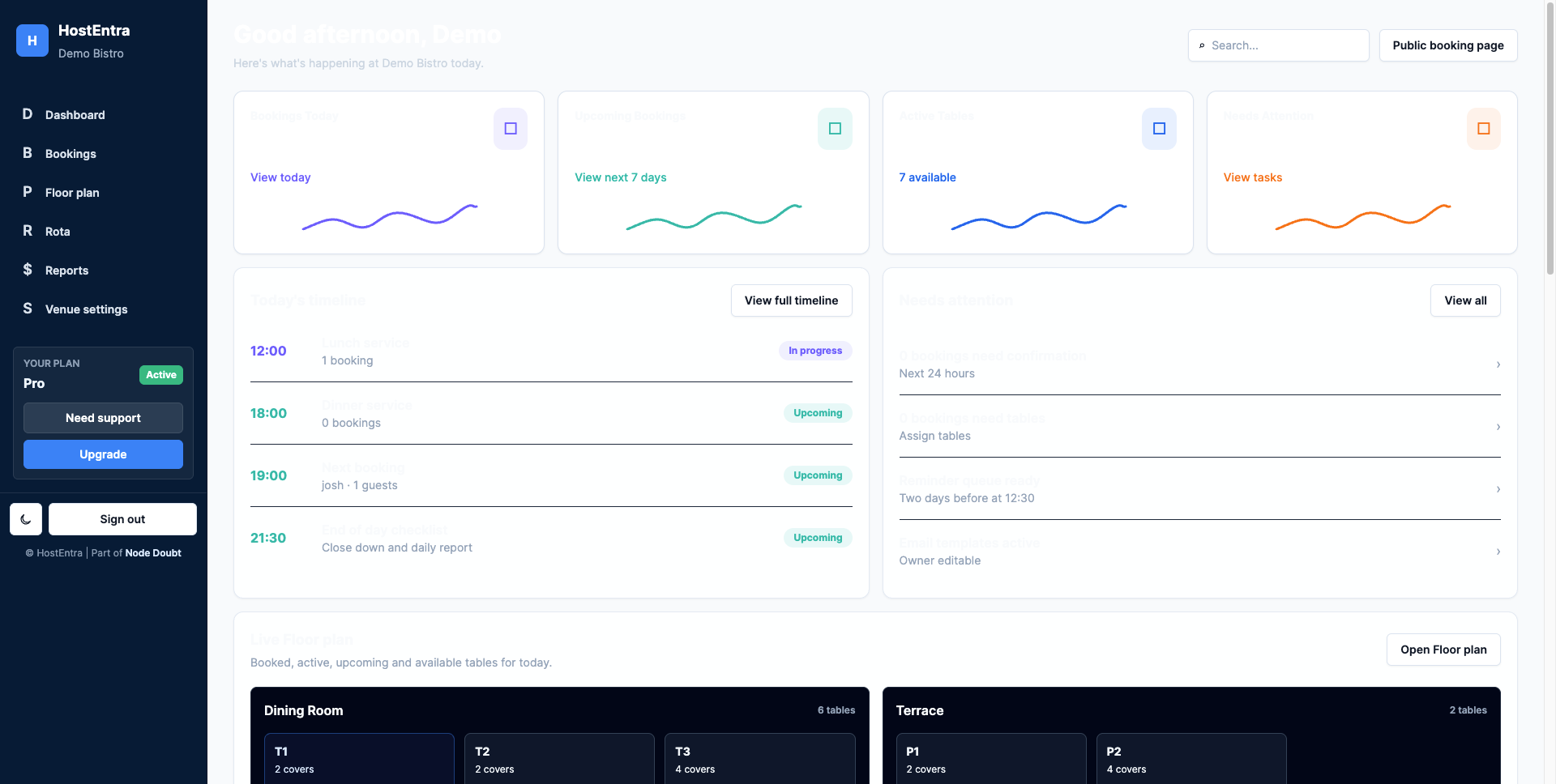
The dashboard can show a compact live view of rooms and table status.
Steps
- Scroll to the live floor plan section.
- Review each room card.
- Look for booked, available or attention states.
- Select Open Floor plan to work in the full floor plan page.
Tips
- Use the full floor plan for service; use the dashboard card for a quick glance.