


Use the drag-and-drop form designer
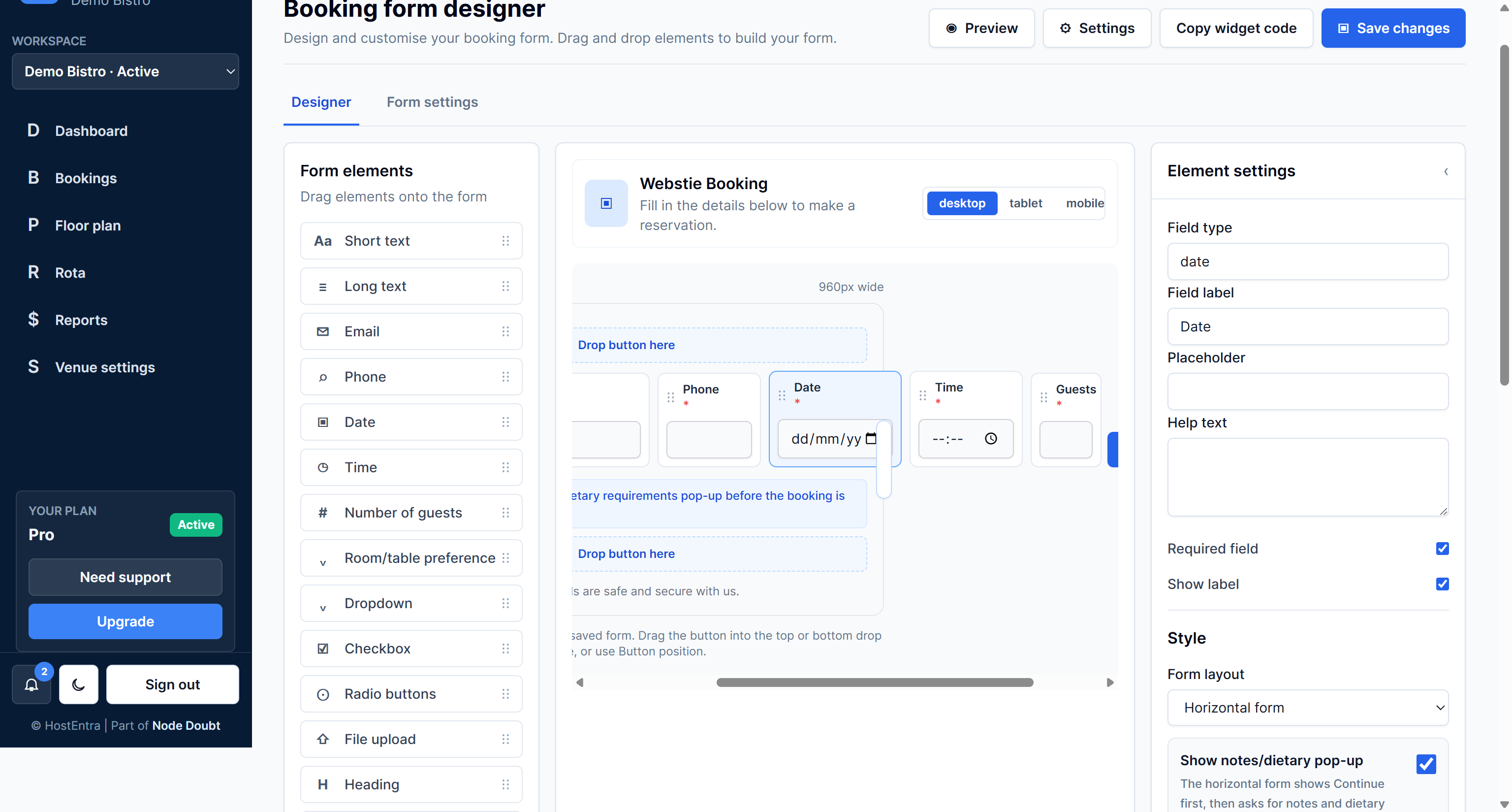
Drag-and-drop lets you build forms without code.
Steps
- Open a form in the designer.
- Drag an element from Form elements onto the preview area.
- Move fields into the order you want.
- Select a field to edit its settings.
- Save changes.
Tips
- Keep essential fields near the top.