


Set service timings
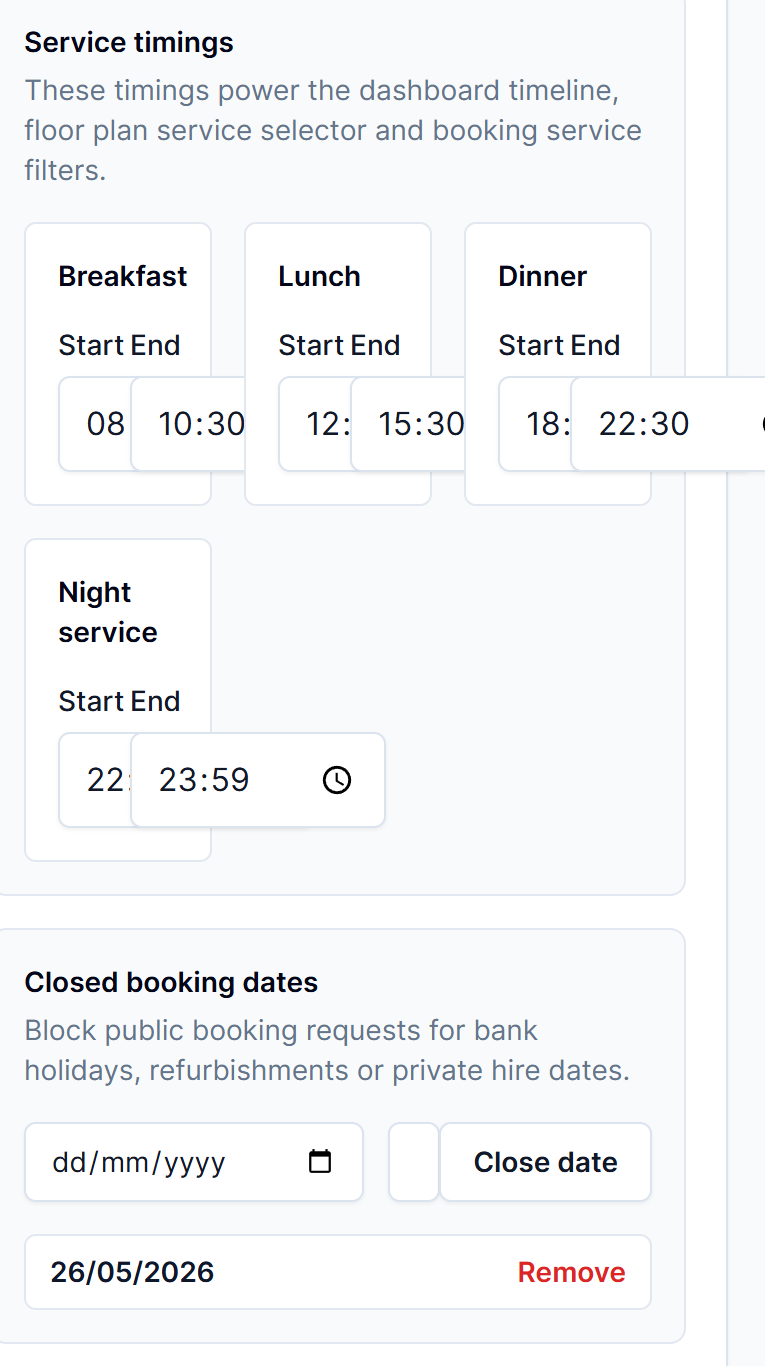
Service timings power the dashboard timeline, floor plan filters and booking service views.
Steps
- Open Venue settings.
- Choose General.
- Find Service timings.
- Set breakfast, lunch, dinner and night service start and end times.
- Disable services you do not use if the option is available.
- Save changes.
Tips
- Keep times realistic so the timeline appears in the right order.