


Resize the form preview
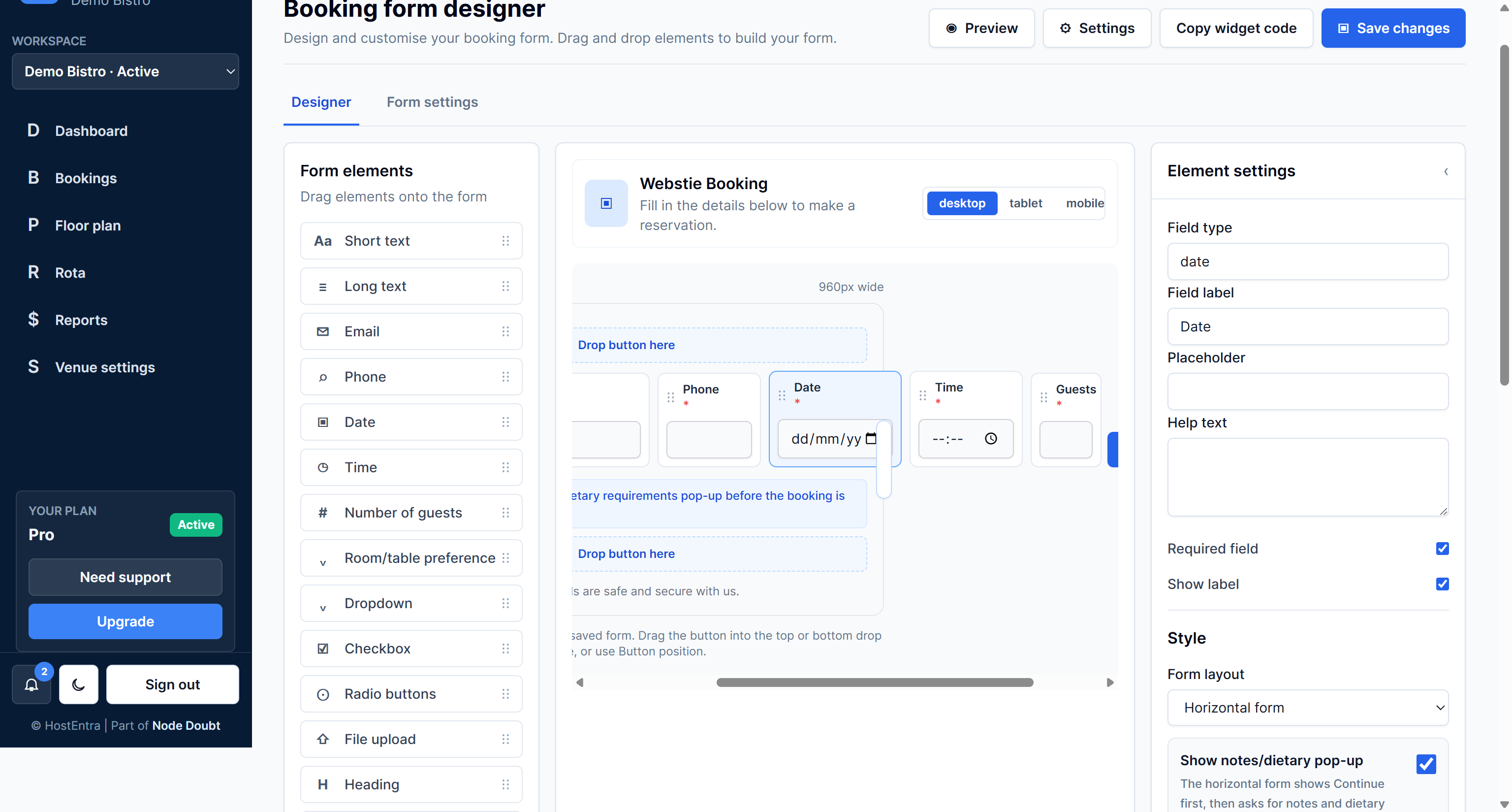
The designer can preview wider or narrower forms for different website layouts.
Steps
- Open the designer.
- Drag the side of the preview area if available.
- Switch between desktop, tablet and mobile preview.
- Check fields do not overlap.
- Save changes.
Tips
- Use the same width as the website area where the form will appear.