


Use HostEntra on mobile and tablet
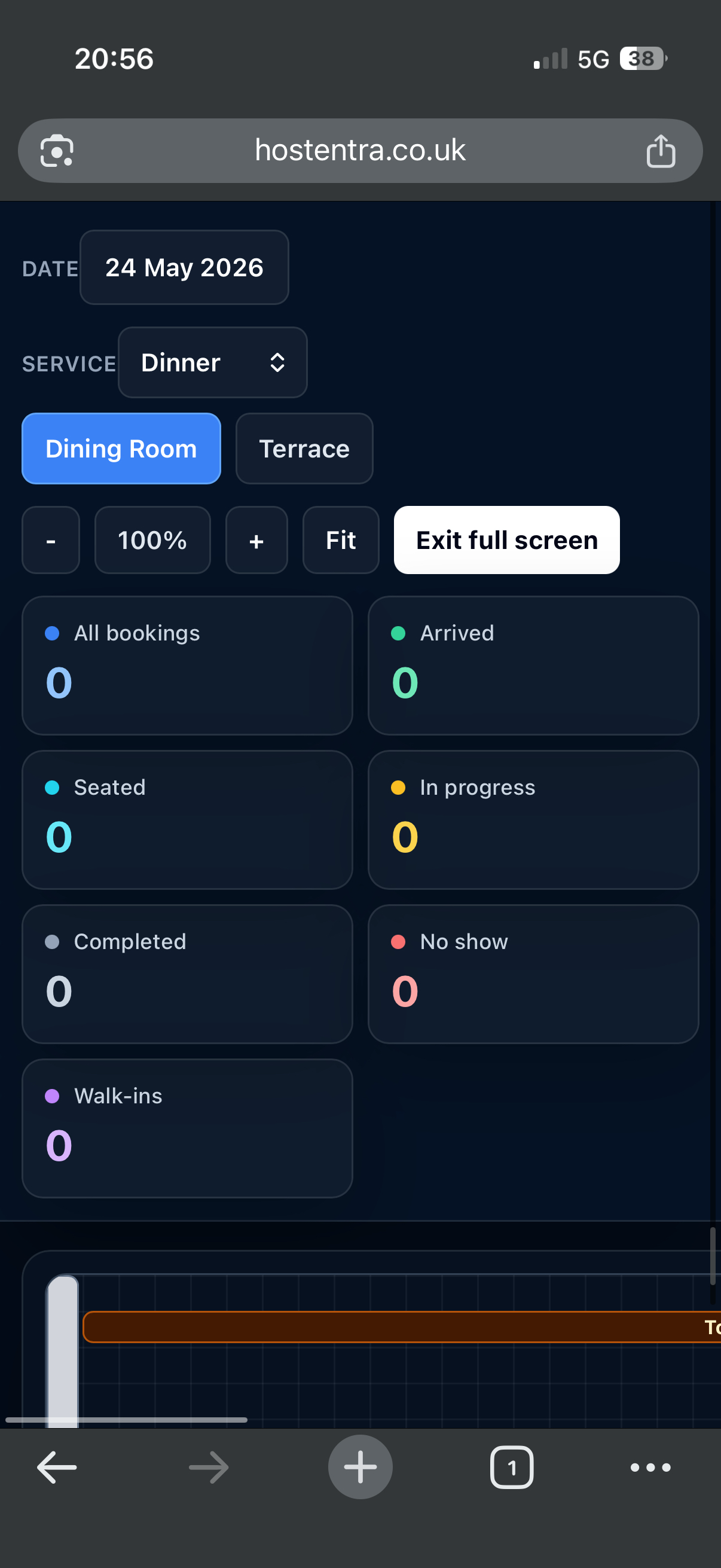
The app is responsive, so staff can use key tools from phones and tablets.
Steps
- Open HostEntra in your mobile browser.
- Use the compact menu to move between pages.
- Tap cards, booking rows and table items to open details.
- Use larger full-screen views for service where possible.
Tips
- Use landscape mode on tablets for rota and floor plan work.